Lab platform
Project overview
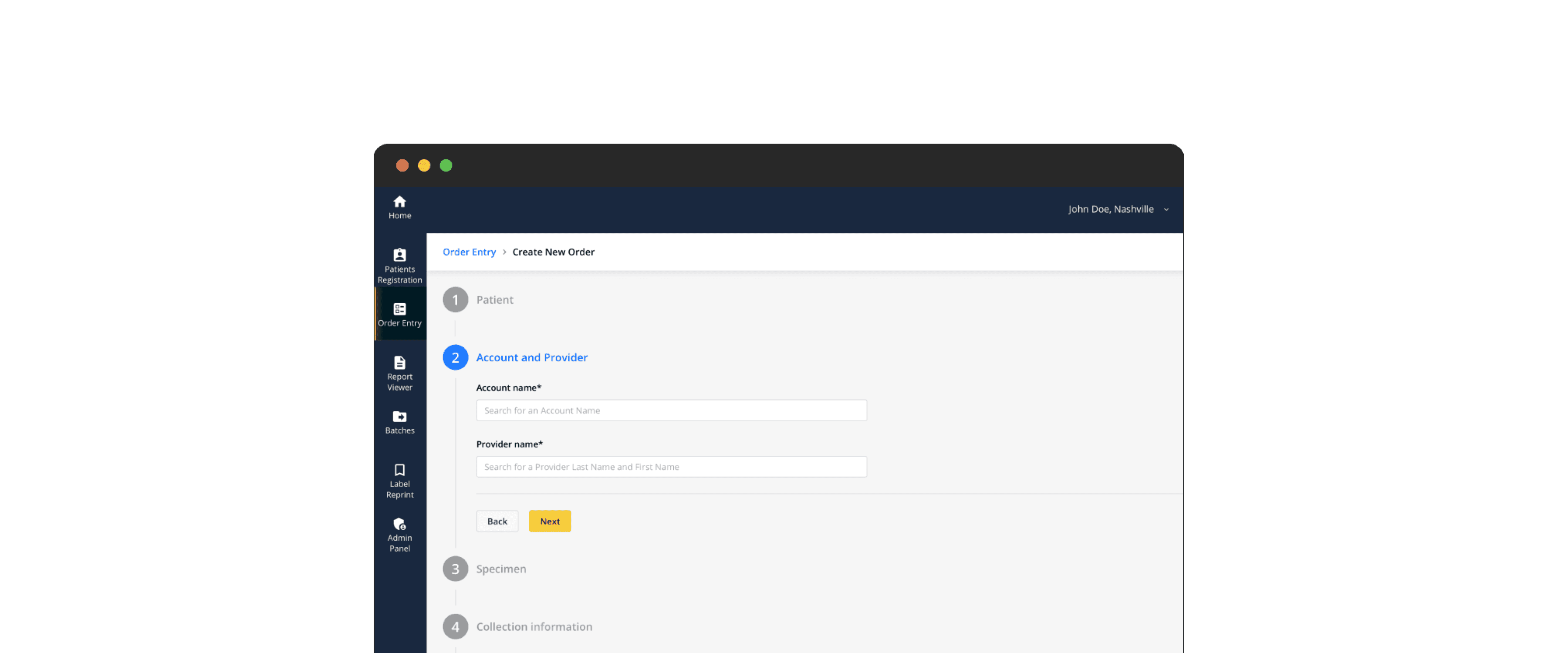
This project focuses on developing a comprehensive and configurable lab platform aimed at streamlining operations within laboratory settings.
Problem statement
Laboratories need a better system to manage orders, track samples, provide results, and handle data efficiently. Current systems are lacking and causing delays.
My role
As the UI/UX Designer, I led design sessions, made user personas, mapped out user journeys, created wireframes and prototypes, built a UI kit and solved design problems.
Discovery
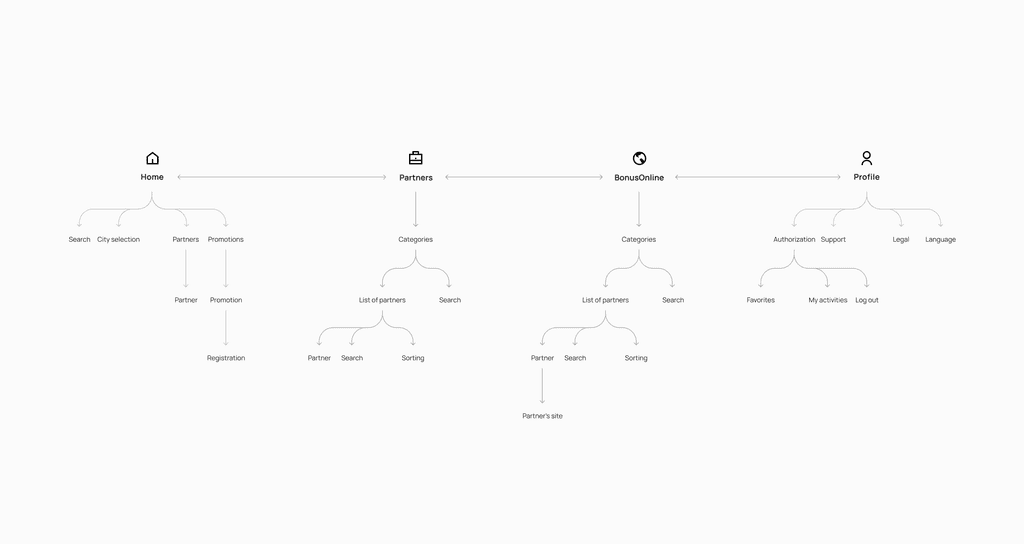
During the design discovery phase, I aimed to understand who our users are, what issues they face, and their current experiences. We set the design vision, requirements, and limits of the product. I used proto personas to guide our understanding when we lacked specific user data. I also made user journey maps to show and explain typical user experiences and flows to achieve their goals.
Proto persona

Sarah Anderson, Nurse
The current design of the application lacks modern aesthetics and user-friendly interfaces. This outdated design can turn users away and make their experience less enjoyable. Updating the look of the app is important to keep it appealing to users
Main tasks
Patient registration
Direct or indirect interaction with a patient
Order entry / create a specimen
Print or reprint labels for specimen
Send specimens to the laboratory
Look for a report to assist a doctor
Review report statuses: new, viewed, pending
Use search capability to find any other past released report
Pain points
Duplicates in patient registration
Search has limited filter criteria
The learning process of the order entries is most painful / overwhelming
Supporting messages are not relevant to the nurse but use a lot of space
Searching for a report or to check status is painful because is split into 3 views
Wireframing and prototyping
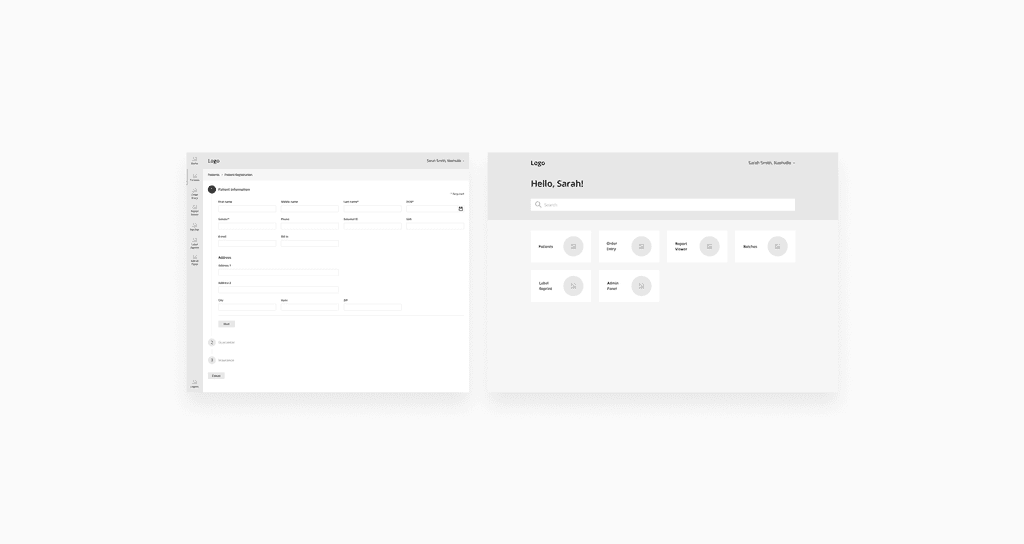
I used wireframes to sketch out the main information and features of the platform, focusing on structure rather than looks. These wireframes sorted out the information order and helped in discussions among development, design, and the client. Prototypes were then made to build interactive mockups, letting stakeholders test the platform's functions directly.
UI kit
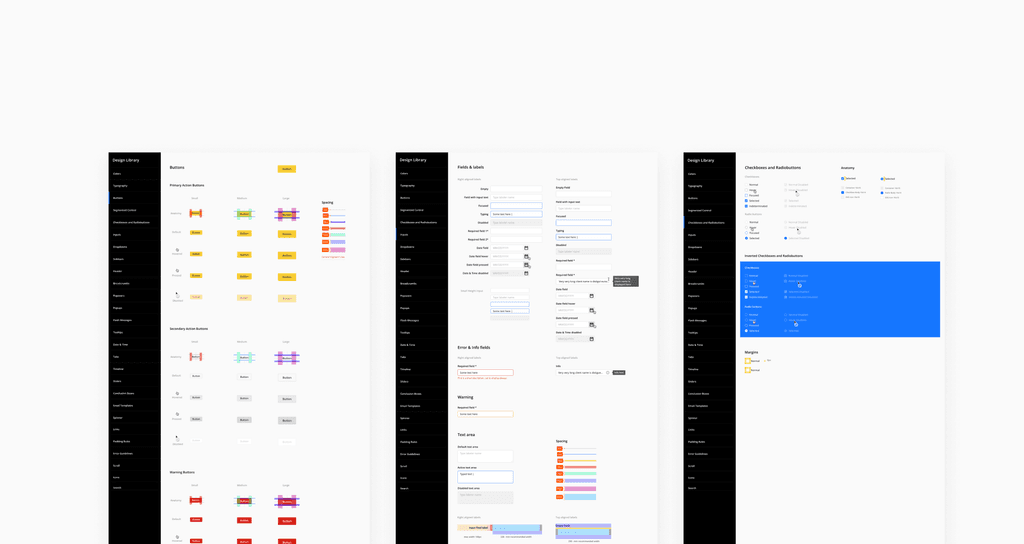
To speed up design changes, I made a library of design parts that could be easily adjusted, keeping everything consistent in mockups. This UI kit helped us work together on designs and ensured that any changes would update across all design.
Design challenges
Design challenge #1 Stepper Component
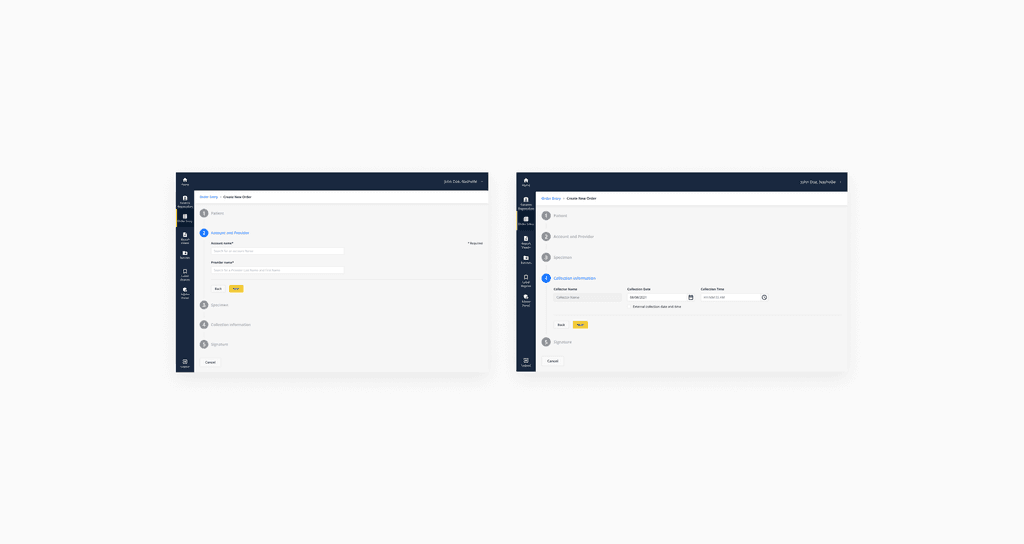
During development, a new "stepper" component was introduced to the platform. To ensure clarity and understanding among the team, detailed operating conditions for this component were documented. The end result was a user-friendly component that met all technical and business requirements.
Requirements
Filling occurs step by step (for example: you cannot go from the 1st step to the 3rd without filling in the 2nd)
If after validation (front-end) it turns out that the required control(s) are not filled or filled incorrectly, then the step goes into the “error” state and the control(s) with errors are highlighted with error text and the user does not proceed to the next step
If all the controls in the step are optional, then if the user has not filled in any of them and clicks "next", the step goes into the "Success" state
Validation of each step occurs after clicking the "next" button
Design solution
Design challenge #2 Portal Customisation Page
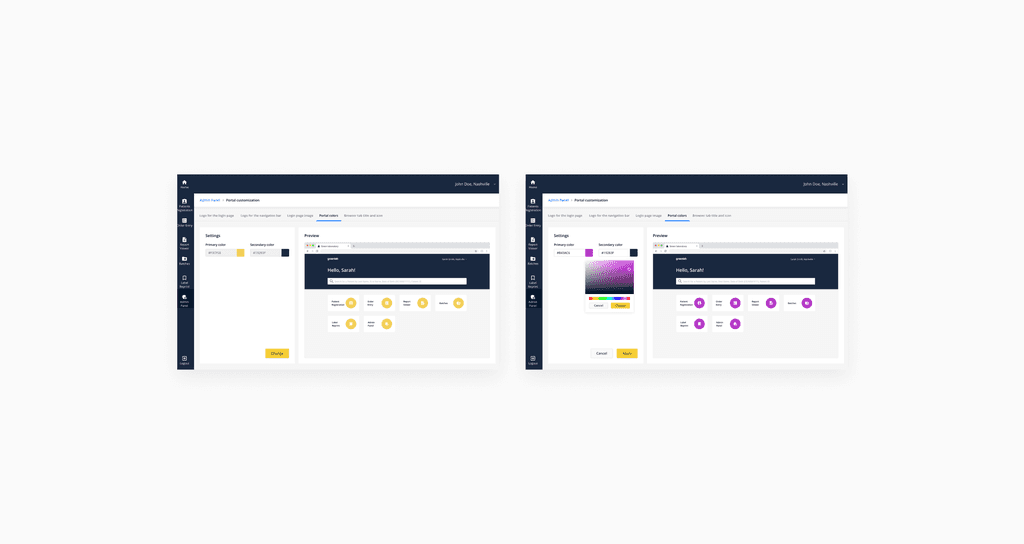
We faced a challenge when designing a page for users to customise their portal. To solve it, I added a customisation feature and organised the page into tabs for easy navigation. I included real-time previews in each tab so users could see changes right away.
Requirements
Add ability to change the logo on login page, logo on navigation bar, portal primary and secondary colors, logo image, browser tab title.
Design solution
Impact
Improved efficiency
The new system automates tasks like order processing and sample tracking, reducing errors and boosting productivity in labs.
Better user experience
Users find the platform easy to use and can customize it to their needs, leading to higher satisfaction and engagement.
Seamless task automation
By automating repetitive tasks such as order processing and sample tracking, the system reduces cognitive load on users, allowing them to focus on more meaningful and value-added activities.